Method 1 – set DND on
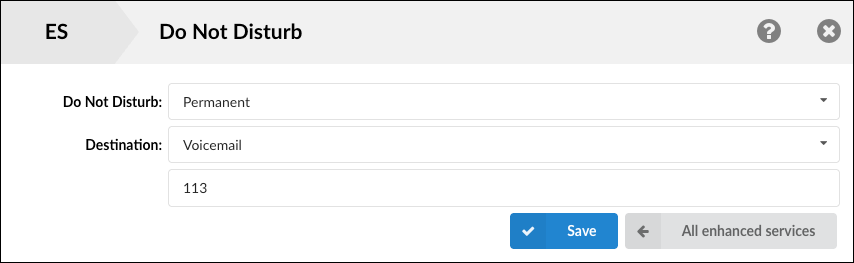
If you know you will be out of the office with no physical access to your phone and you know your voicemail PIN, then you can set DND to ON so incoming calls to your number will be automatically forwarded to your voicemail.
Then dial your number from outside and wait for the voicemail welcome message, as soon as you hear it press the star (*) key, the welcome message will be interrupted and the system will ask you for your PIN to access into your voicemail.
- random example DND ext 113
Method 2 – only for administrators
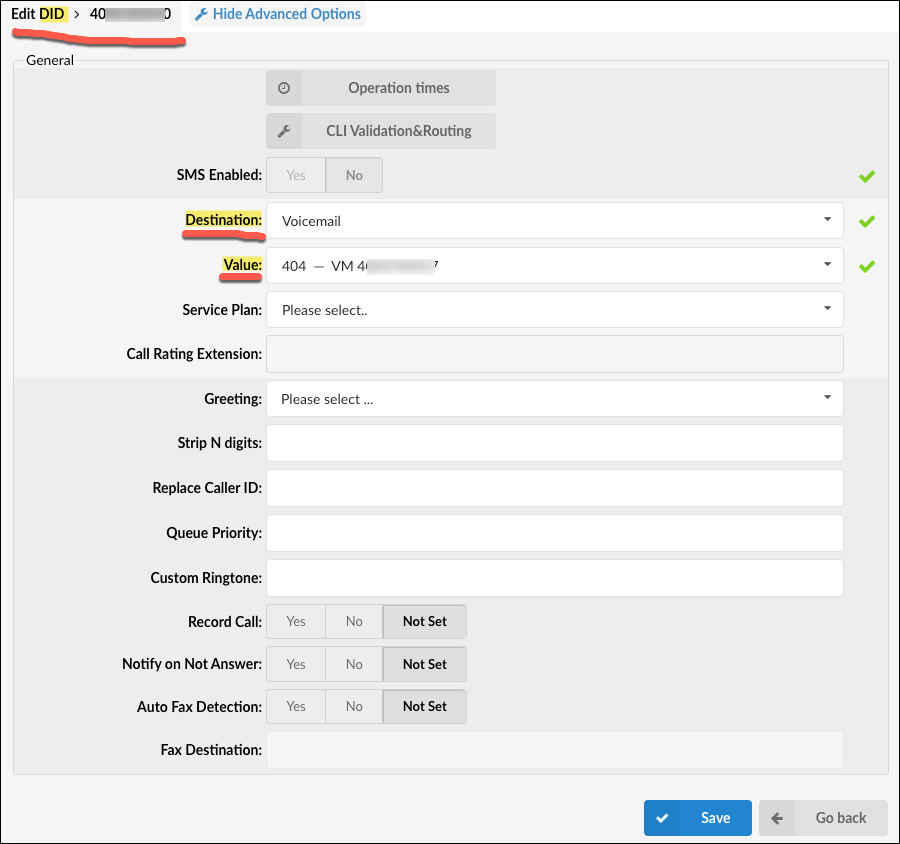
An administrator can set a DID to go direct to any extension’s voicemail as a workaround, then if you call that DID the system will request the vm PIN to allow you access into that particular extension’s voicemail.
- Random example – DID 40X-YYY-ZZZ to Destination voicemail of ext 404
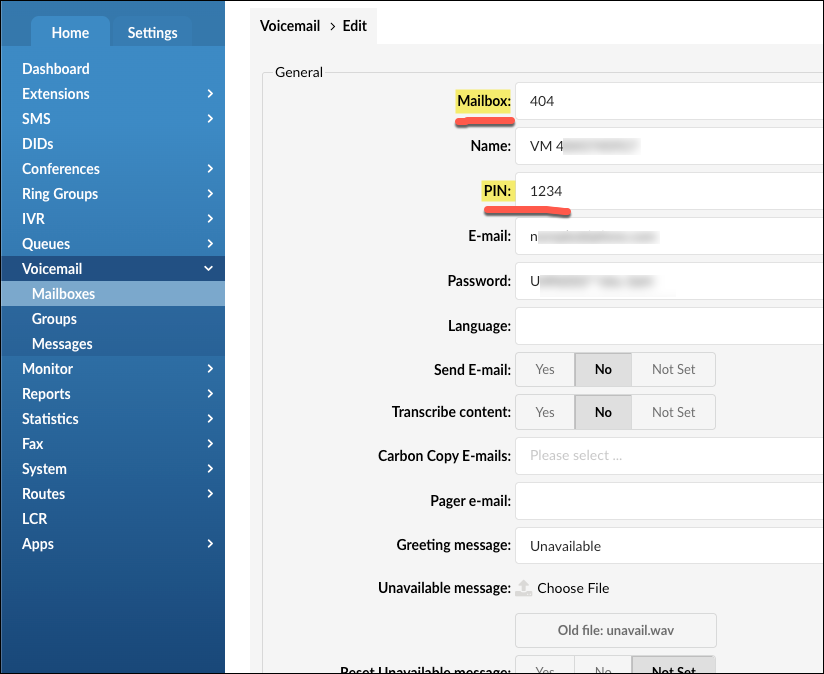
Make sure you know the vm PIN
Method 3 – only for administrators
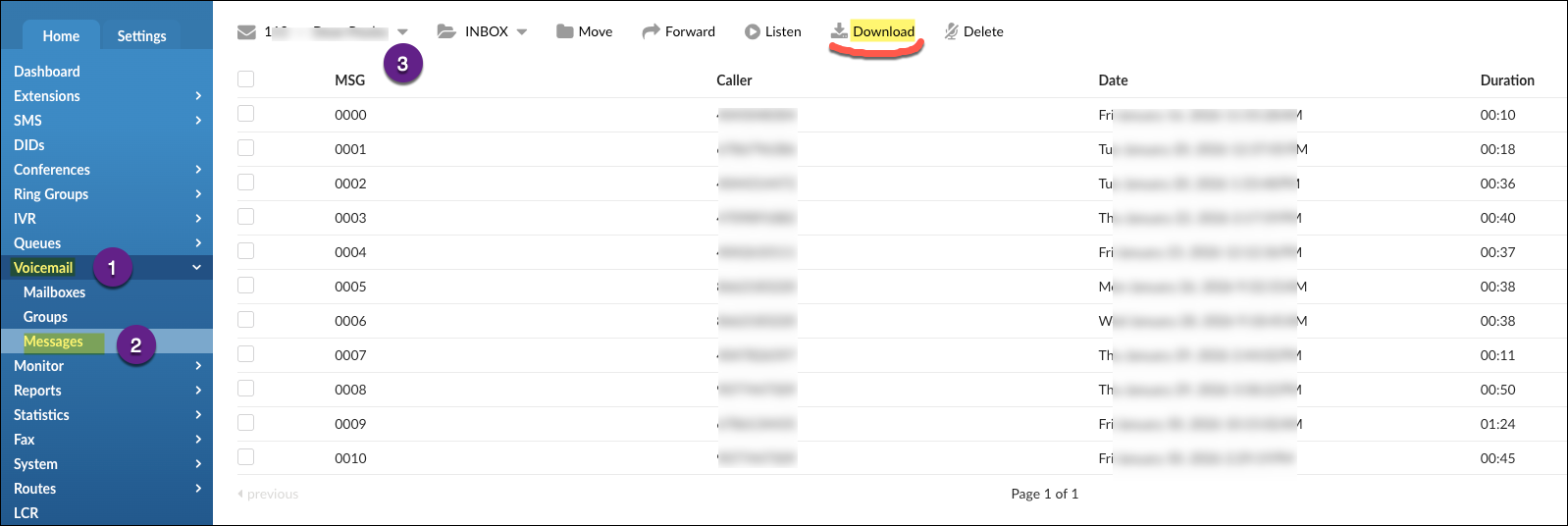
An administrator can download each vm message and send them as an attachment if needed.
- Voicemail > Messages